Full page
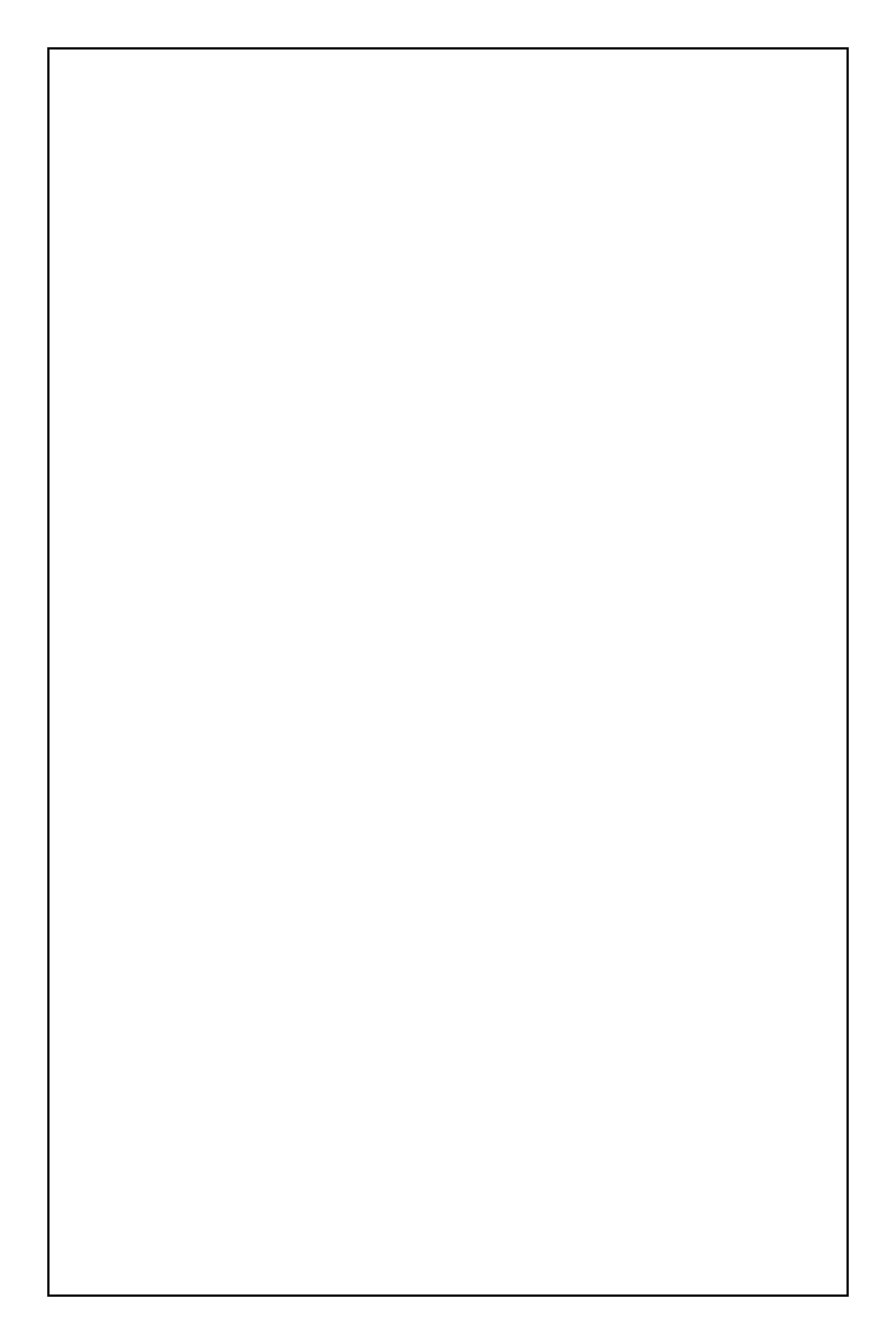
One panel filling the page, for splash pages and covers.
23 comic page layouts, from simple grids to action panels and webtoon scroll pages. Download them as transparent PNG, editable SVG or printable PDF, free for personal and commercial use.
One panel filling the page, for splash pages and covers.
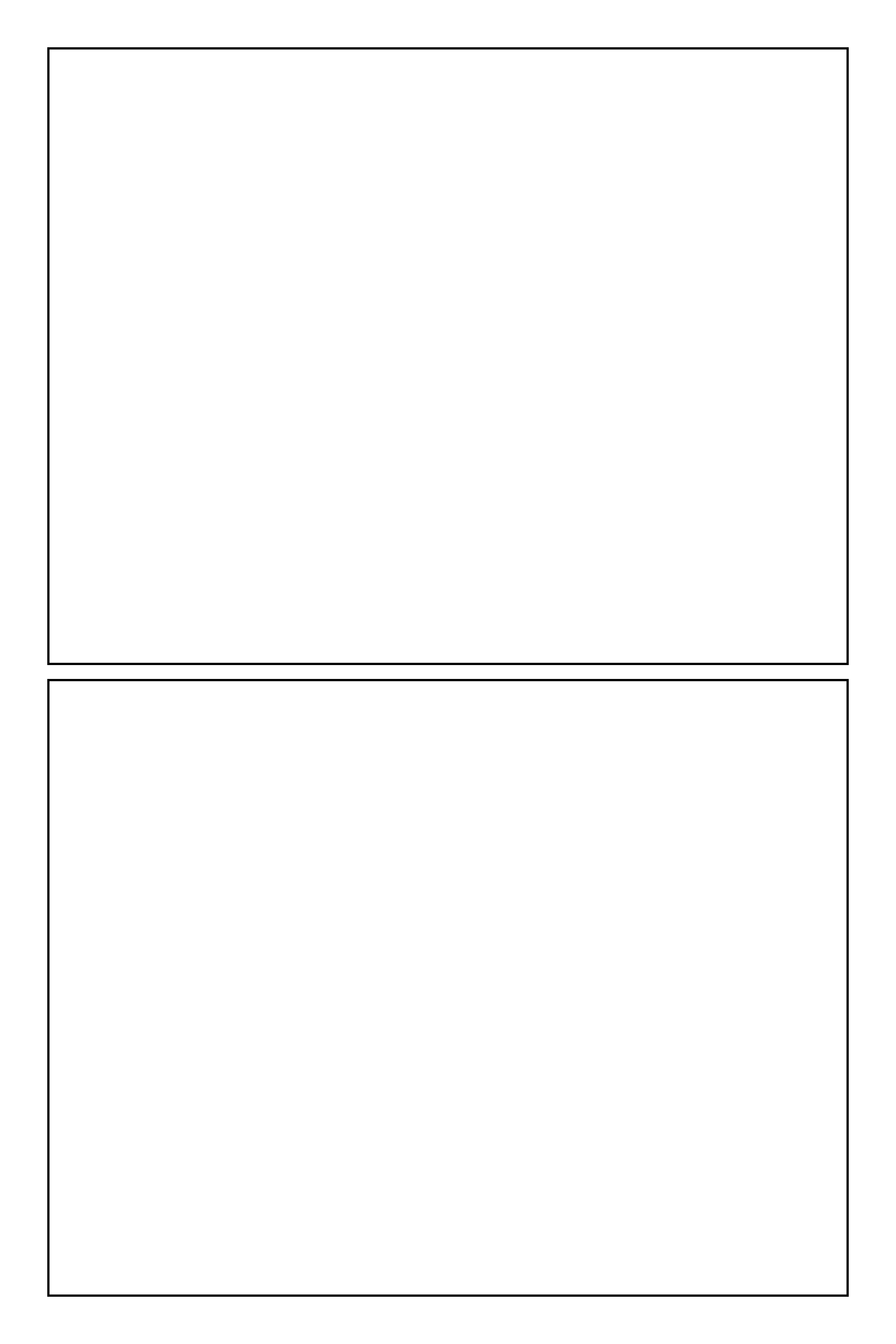
Two wide panels stacked.
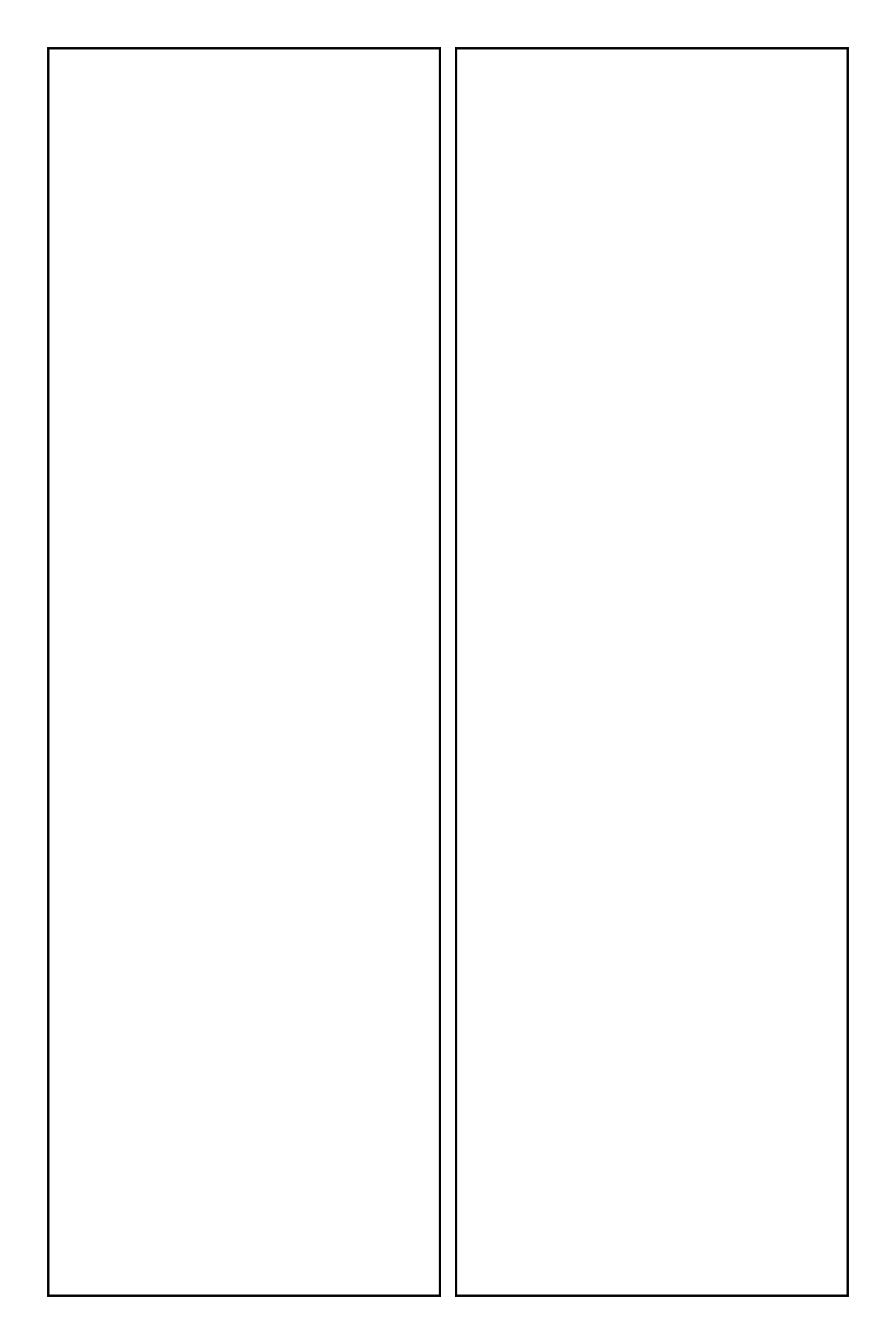
Two tall panels side by side.
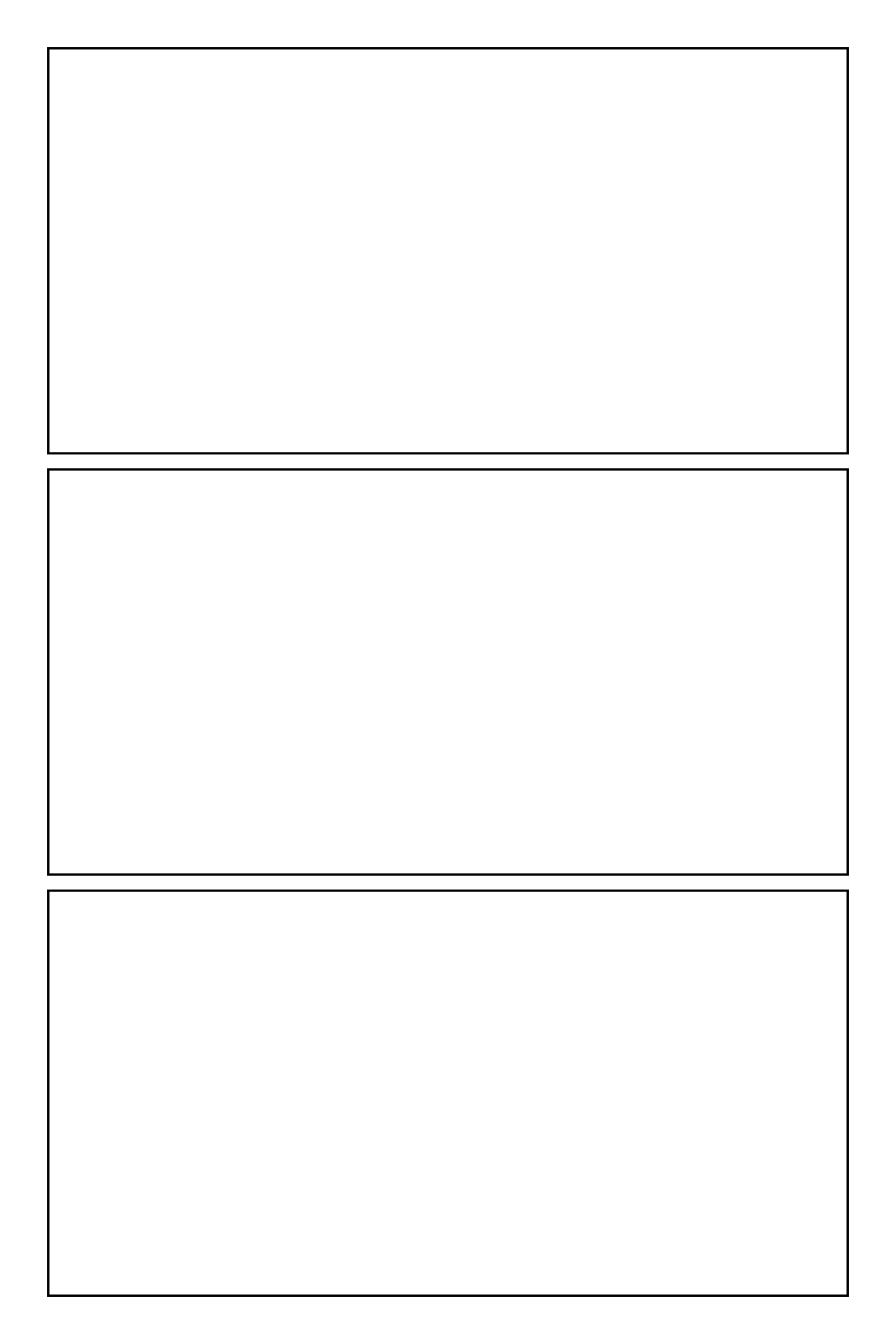
Three wide panels, the classic strip-like page.
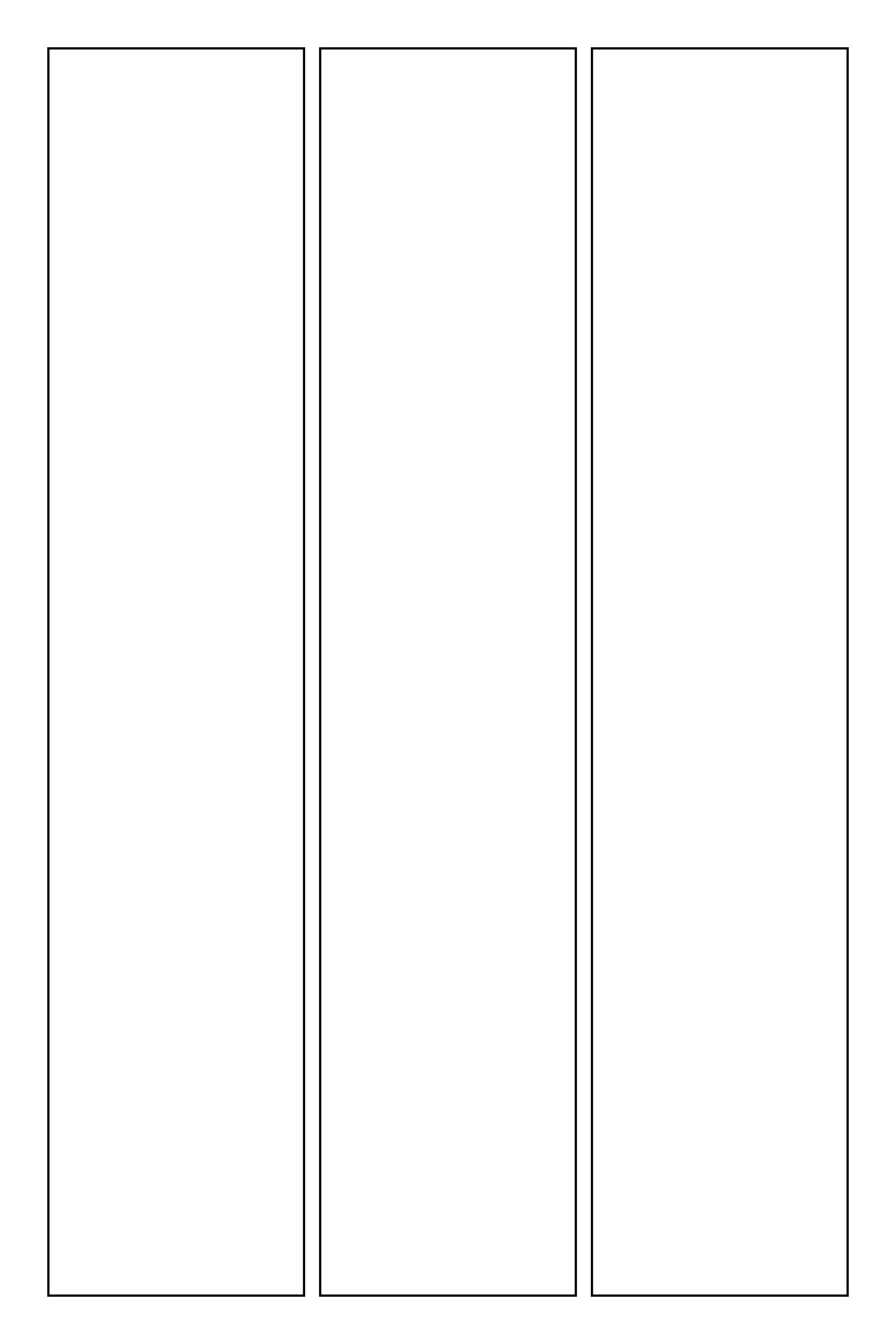
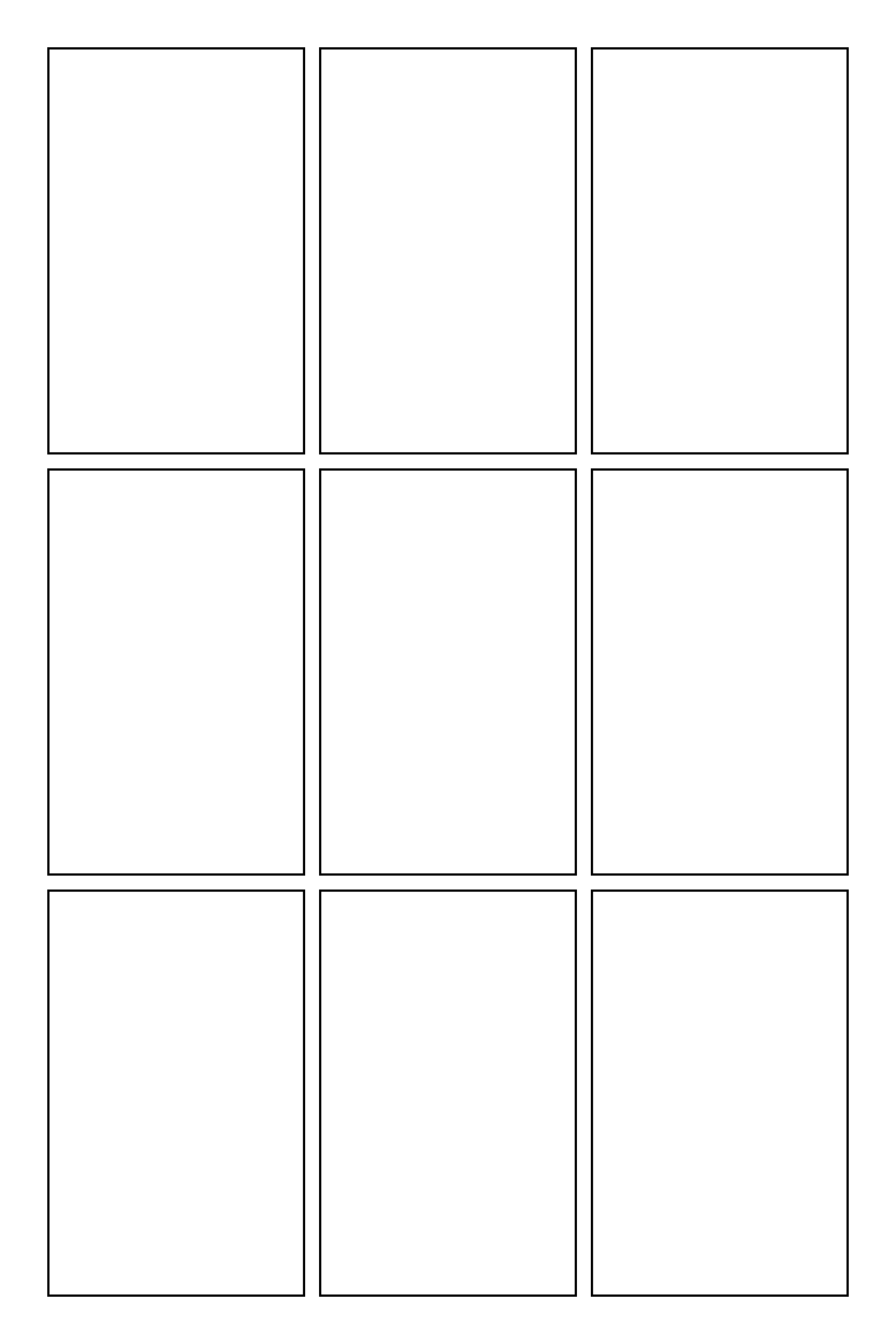
Three tall panels side by side.
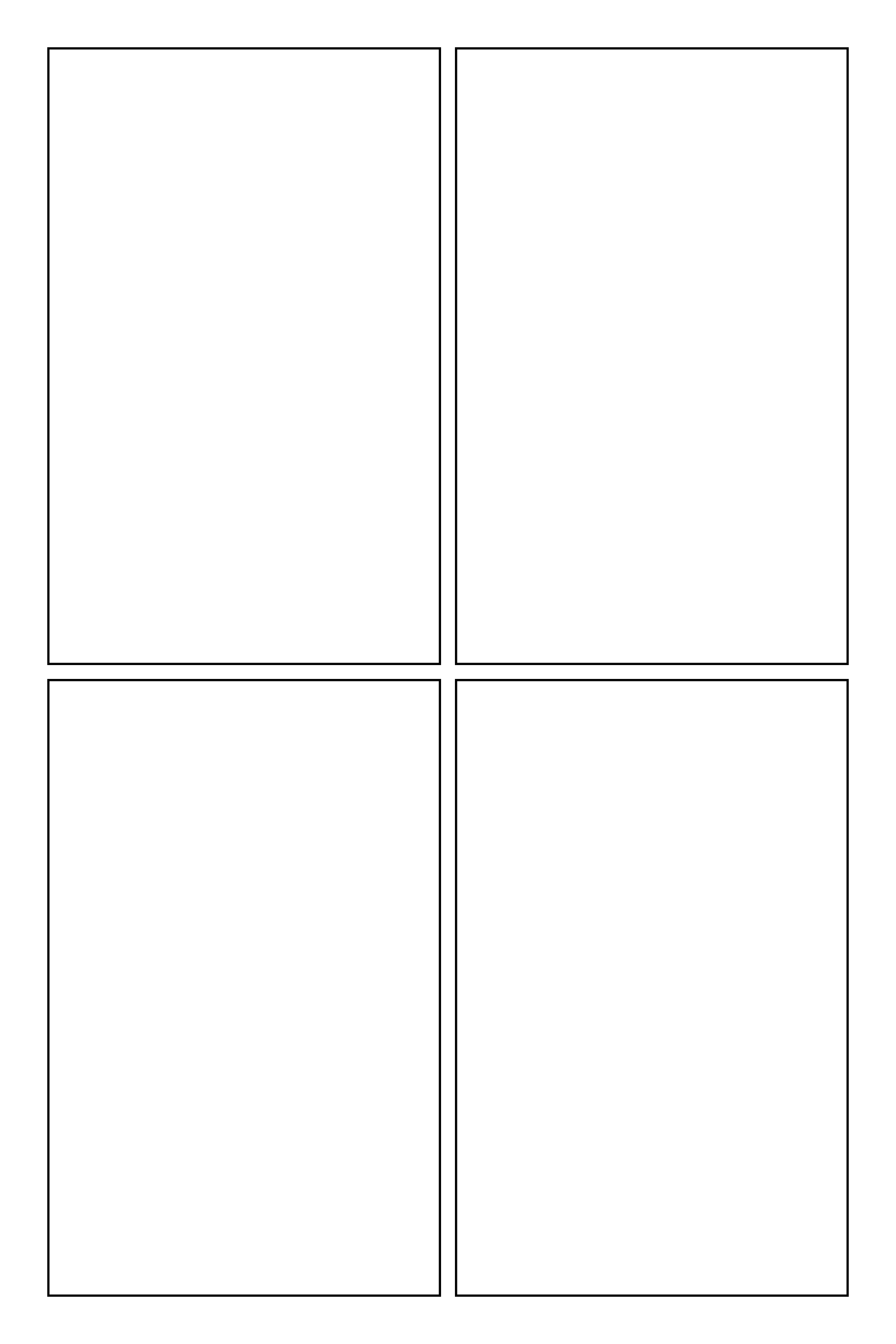
A 2 by 2 grid.
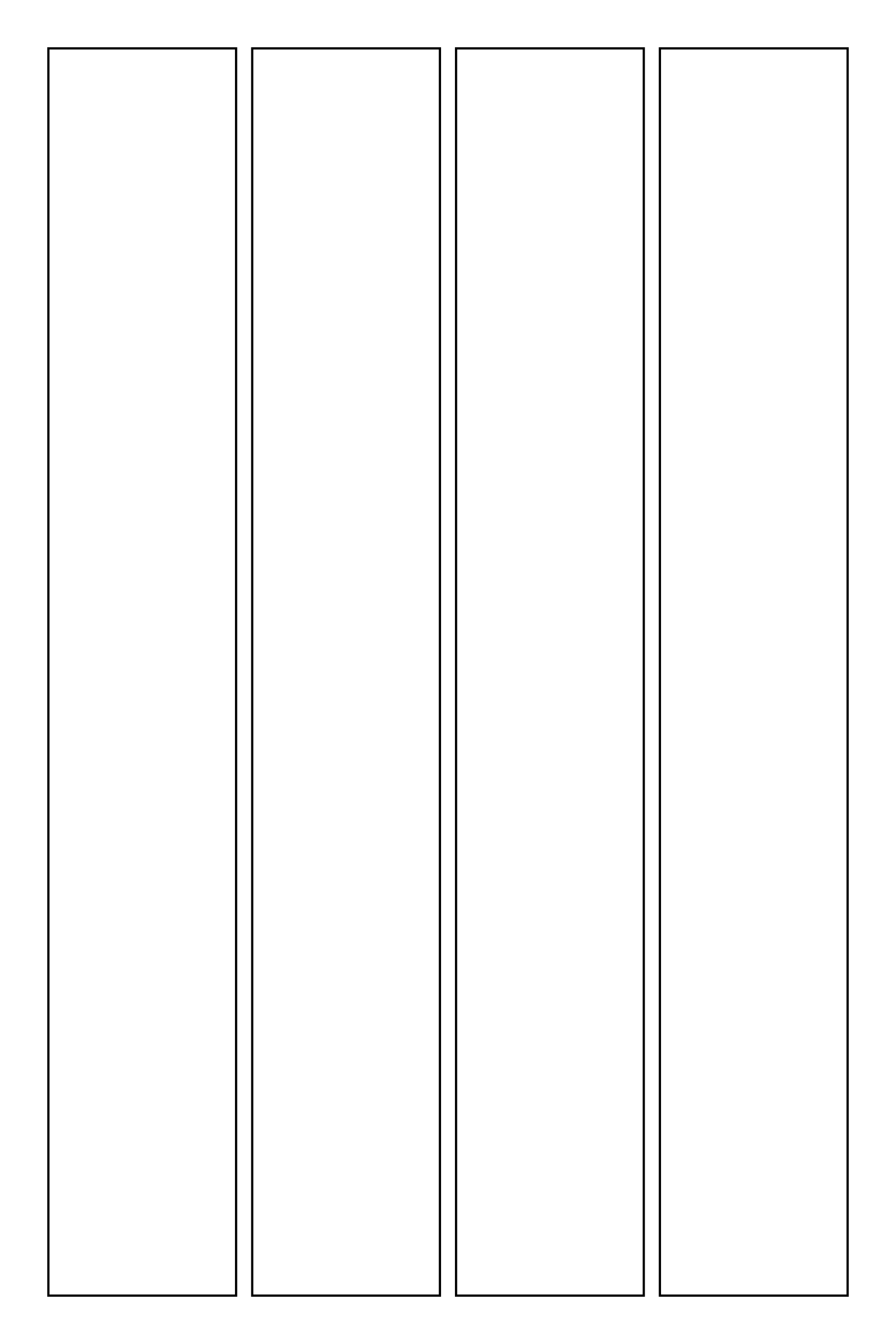
Four tall panels in a row, like a yonkoma read sideways.
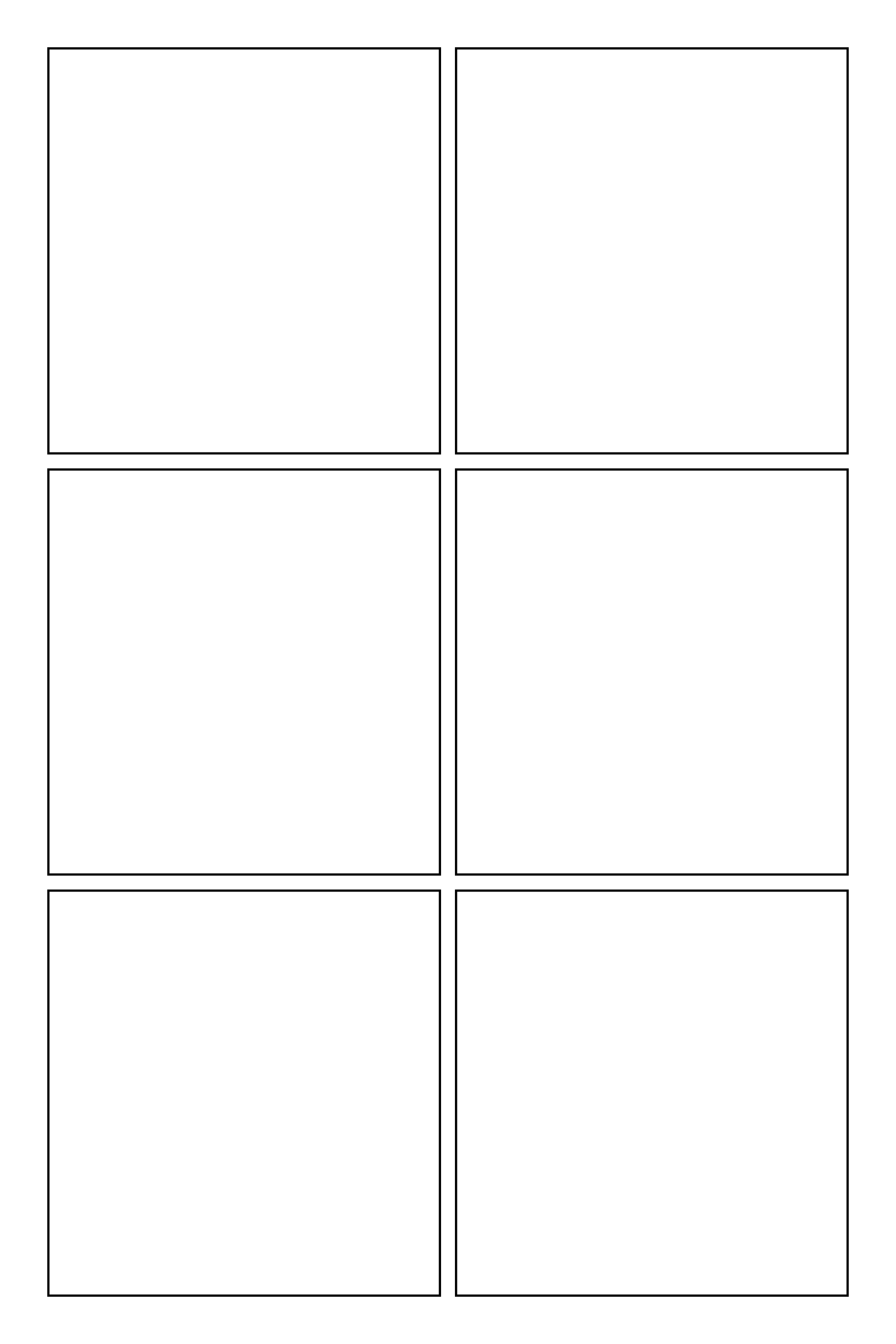
A 2 by 3 grid, the most common comic page.
A 3 by 3 grid for dense, rhythmic pages.
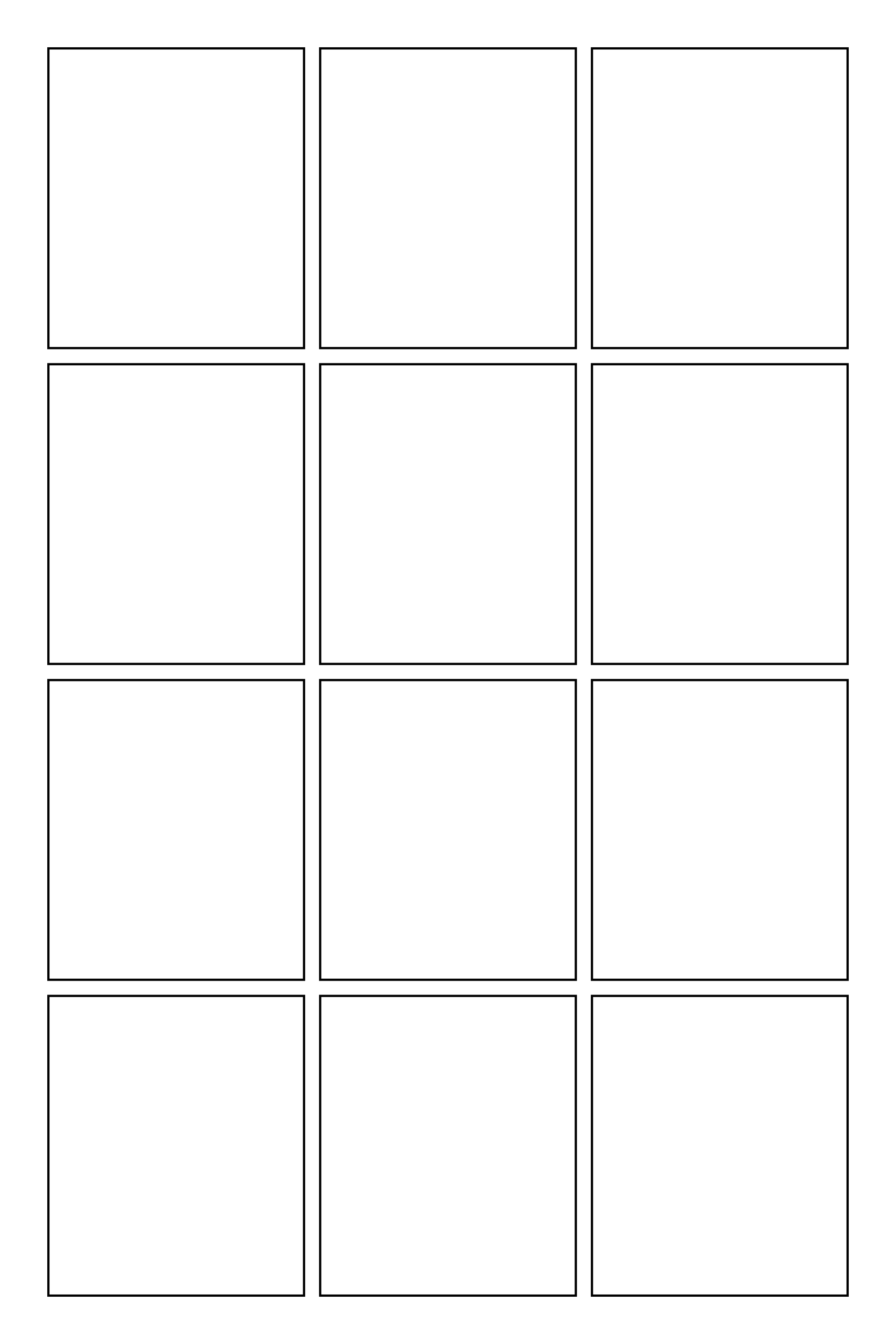
A 3 by 4 grid for small beats and dialogue.
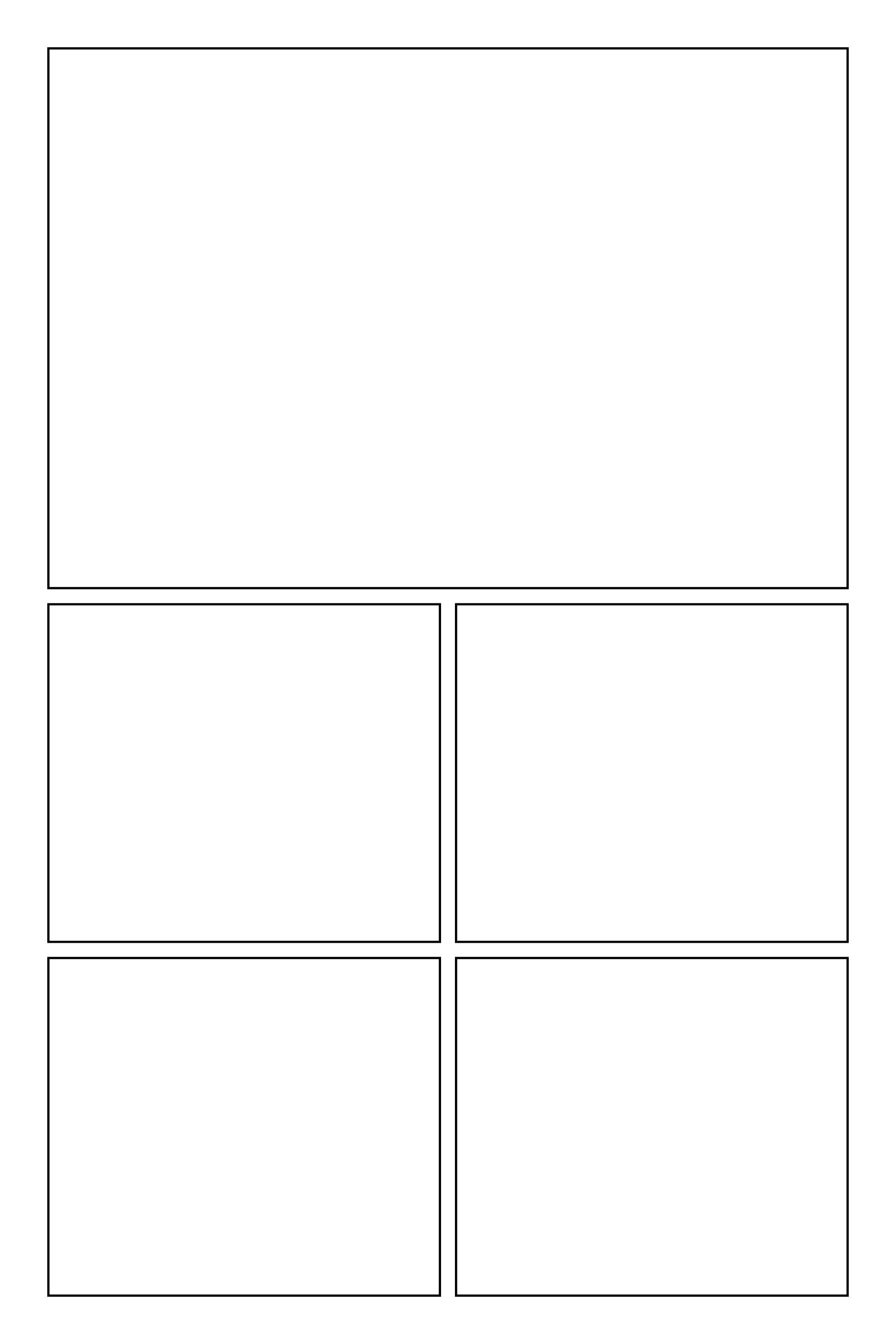
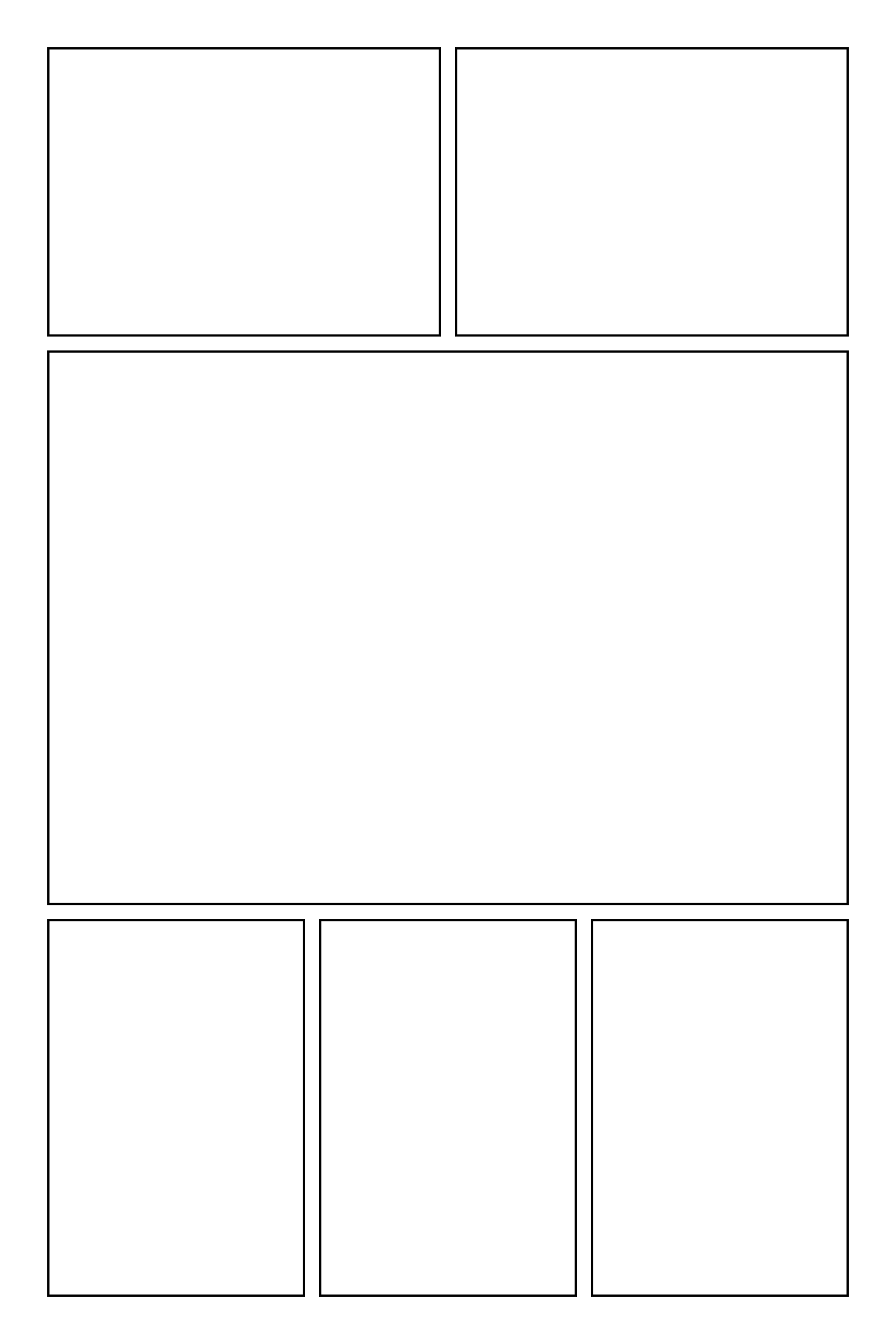
A big establishing panel above four smaller ones.
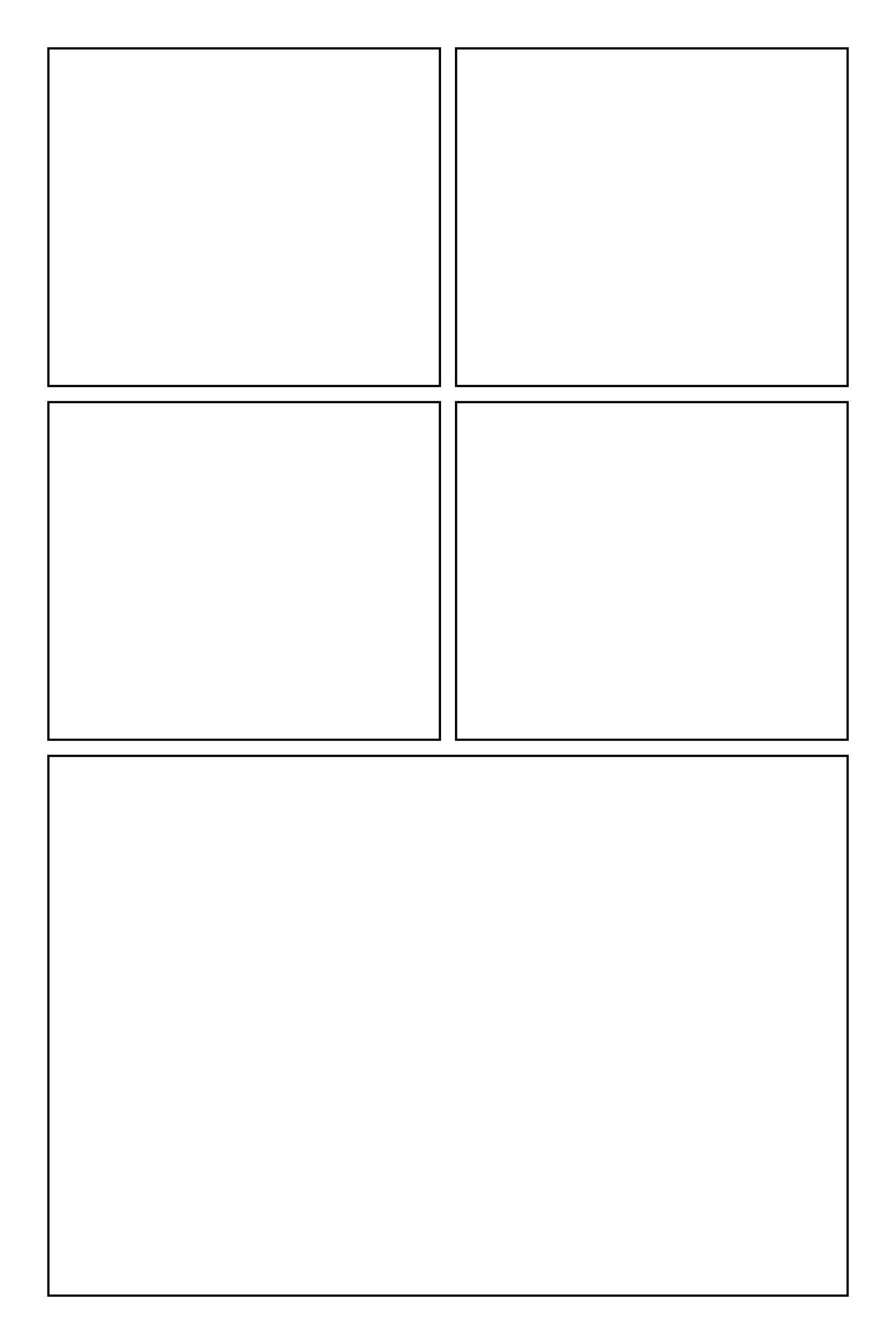
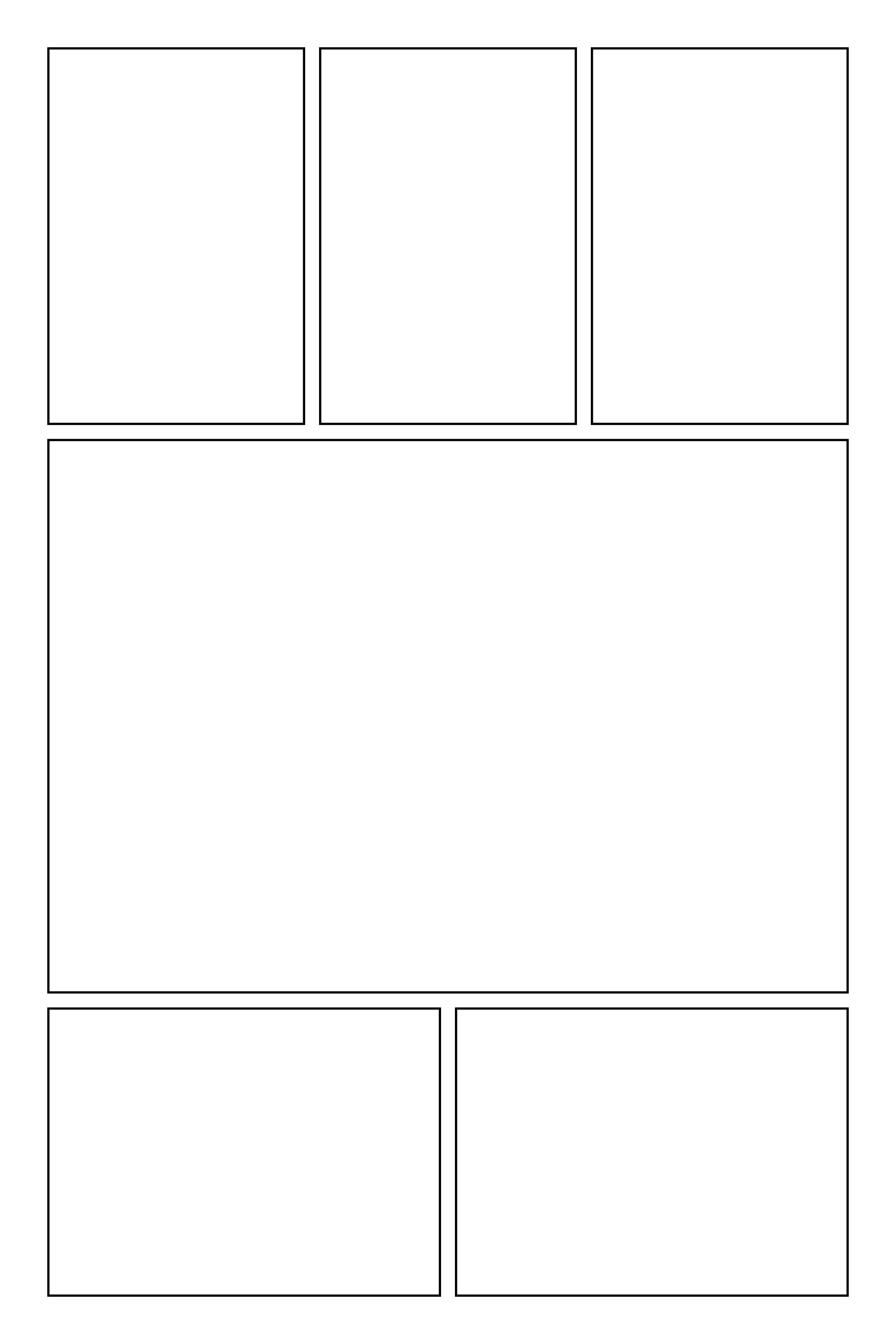
Four small panels building to a big final panel.
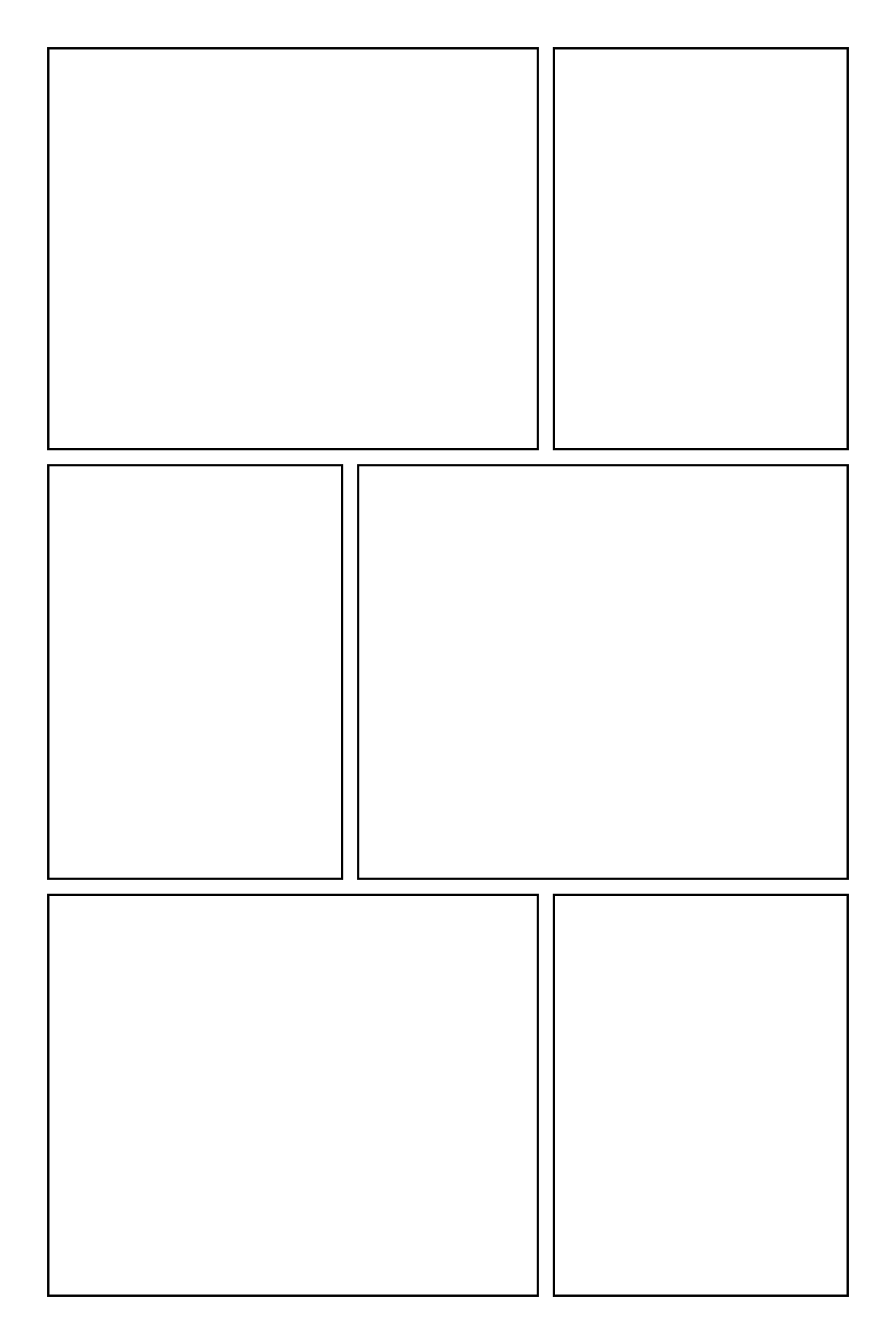
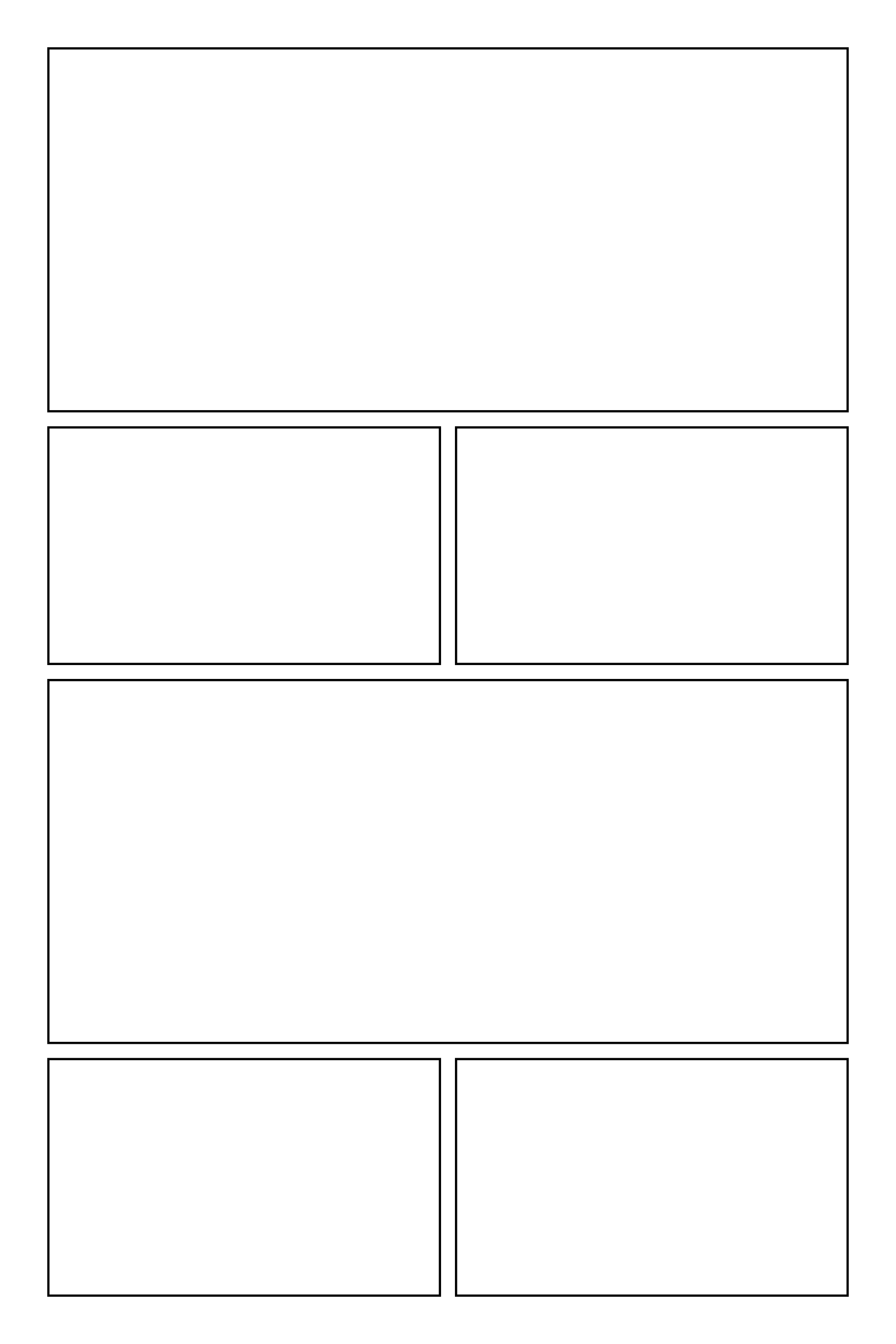
Two panels, one wide middle panel, then three.
Three panels, one wide middle panel, then two.
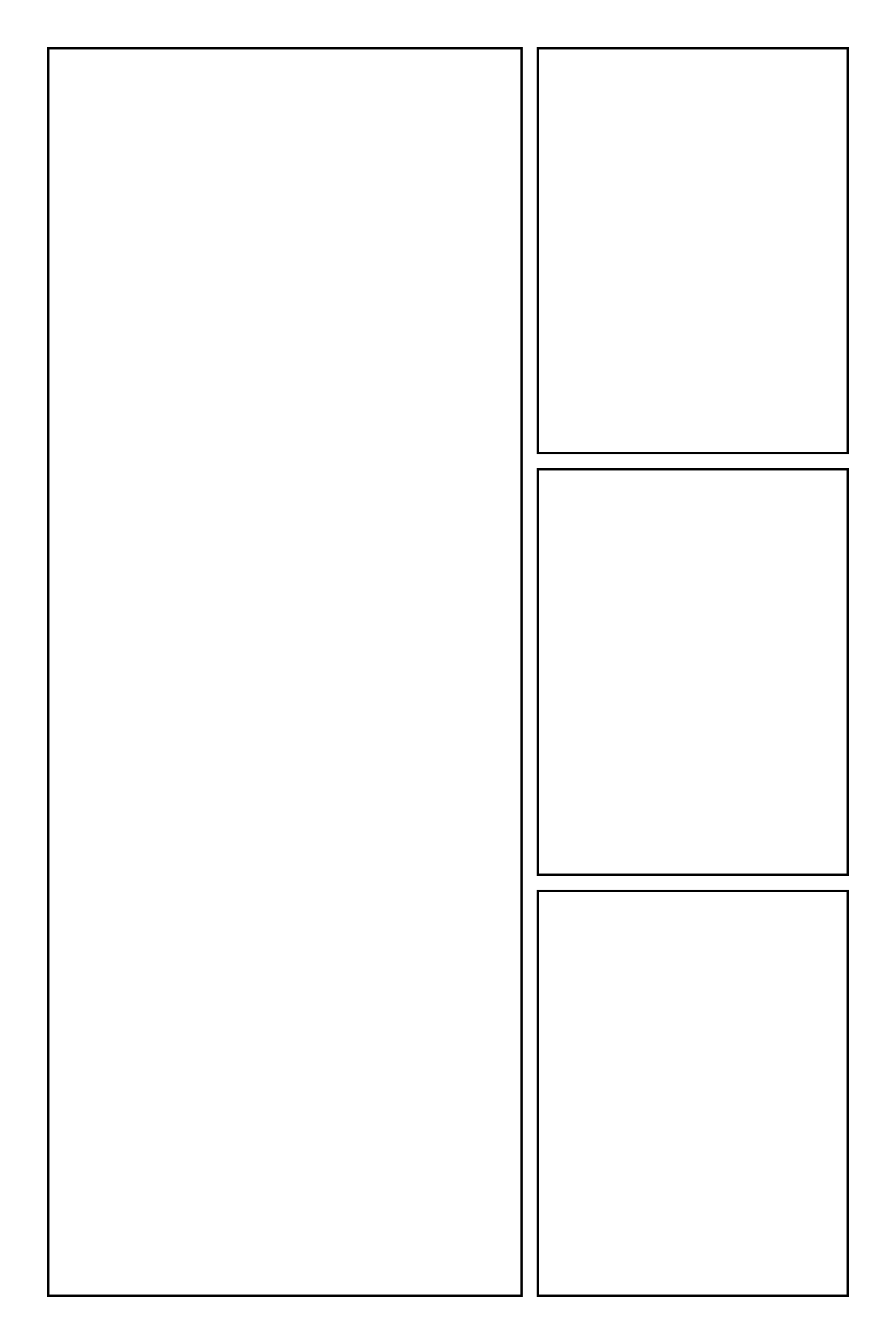
A tall feature panel on the left with three stacked on the right.
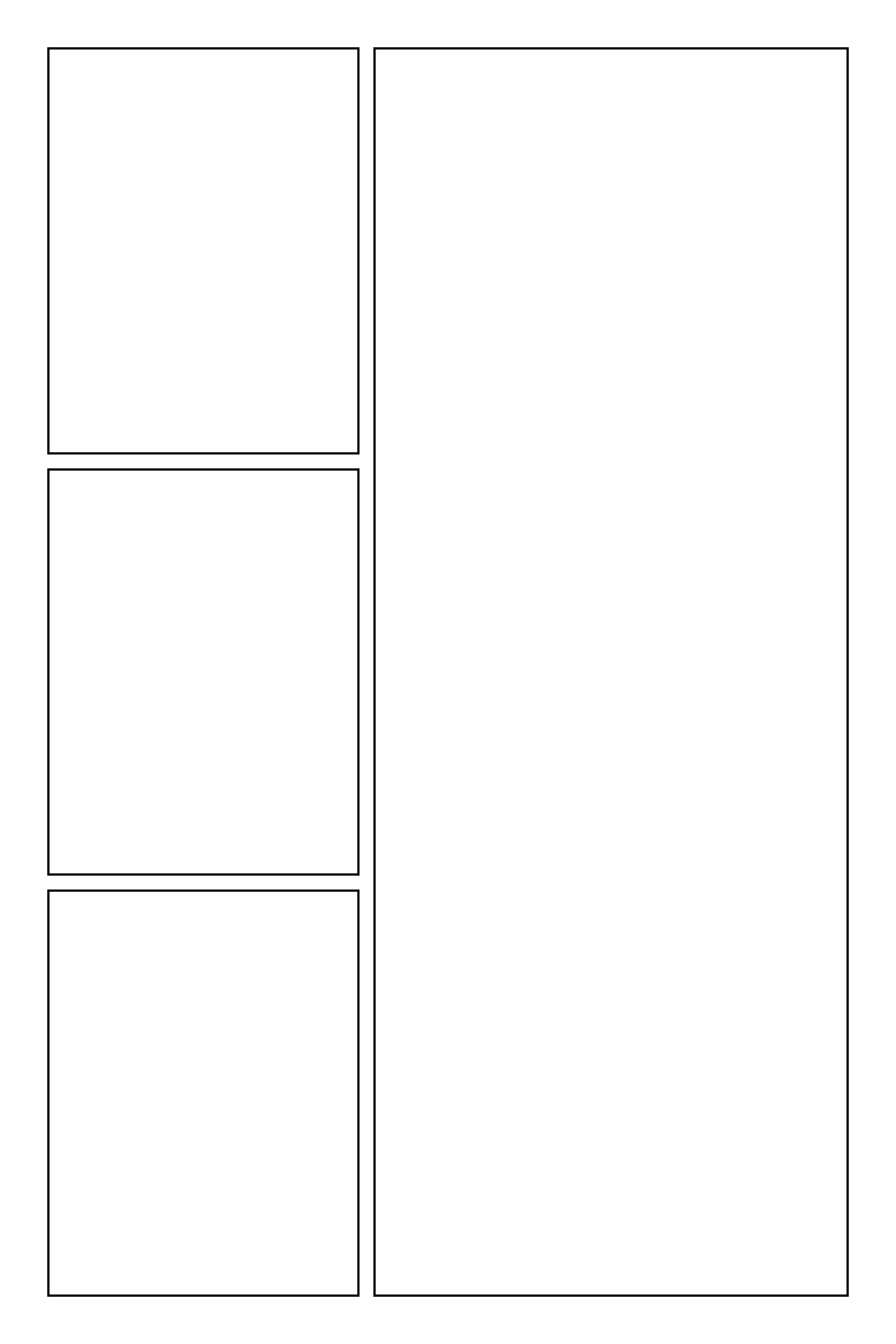
A tall feature panel on the right with three stacked on the left.
Six panels with offset widths for a looser rhythm.
Wide and split rows taking turns down the page.
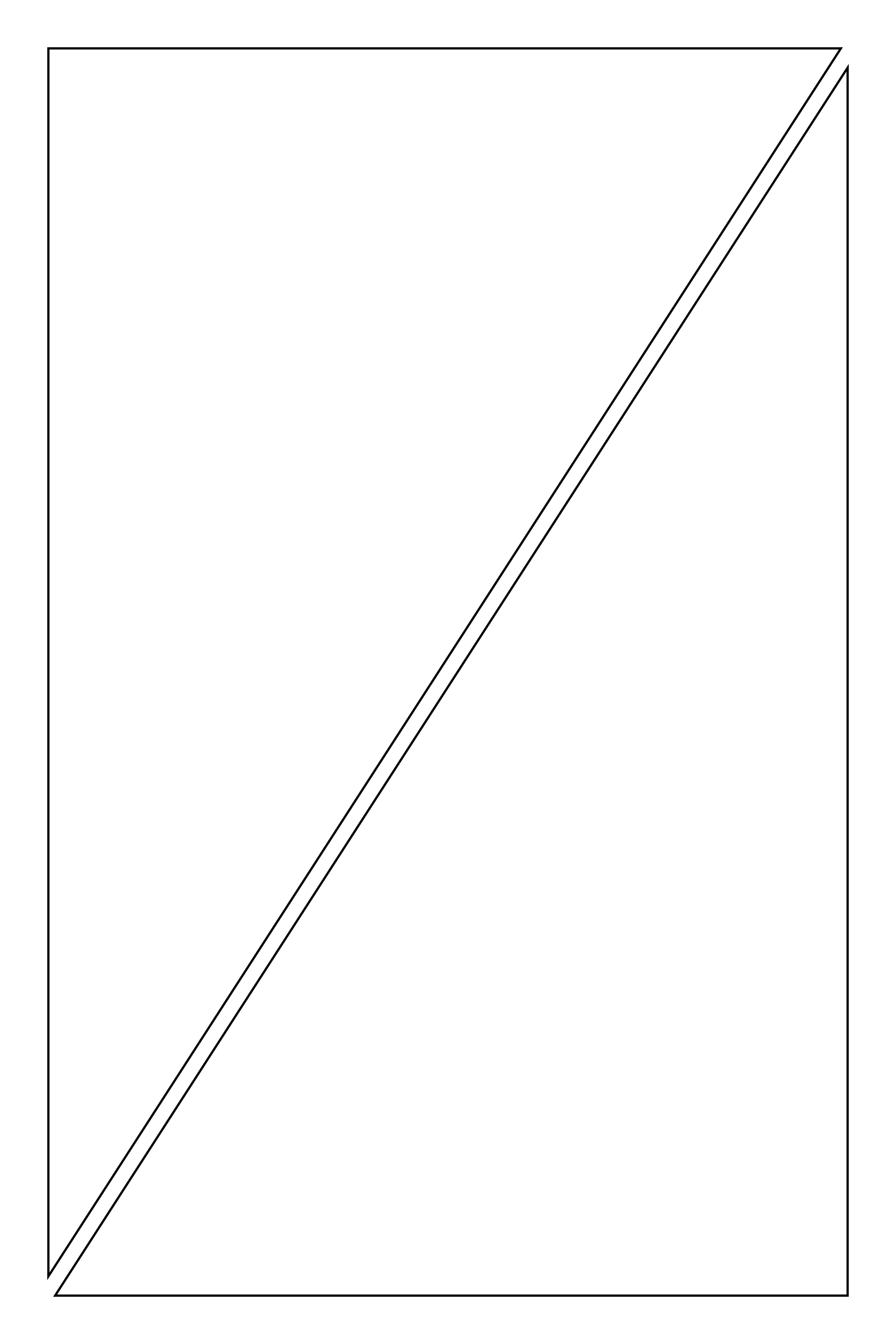
Two triangular panels split corner to corner.
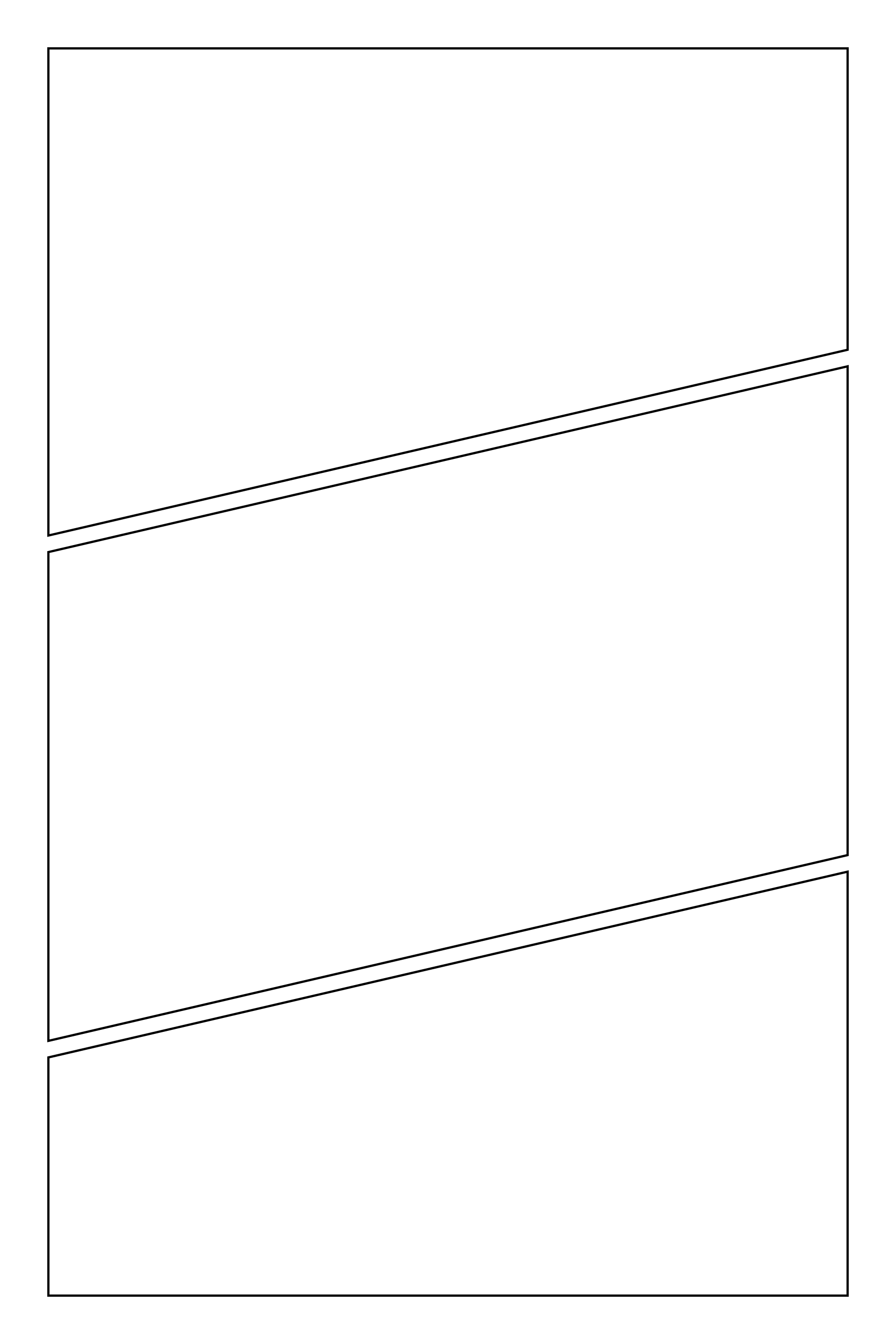
Three slanted panels for speed and impact.
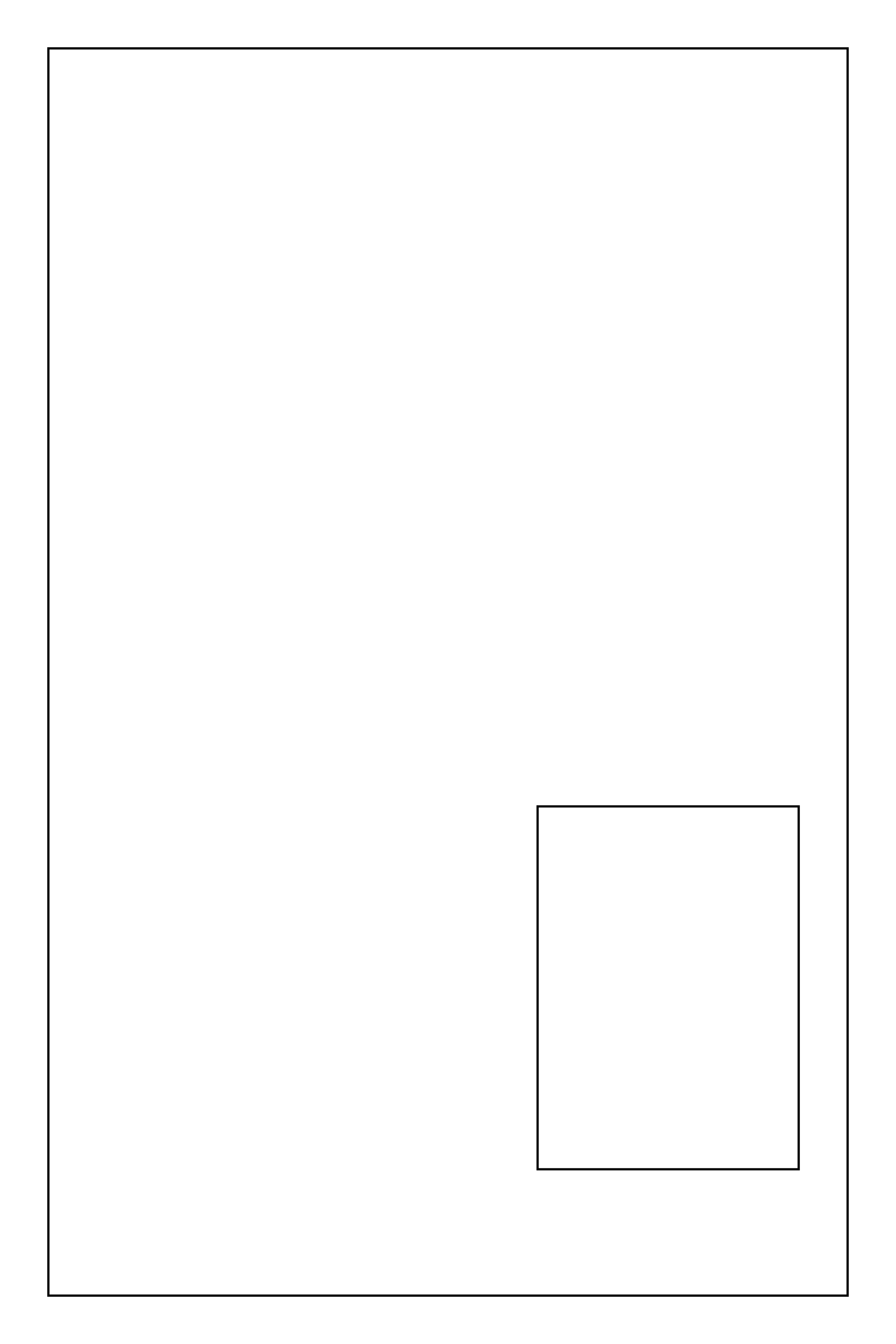
A full-page panel with a small inset panel for a reaction or close-up.
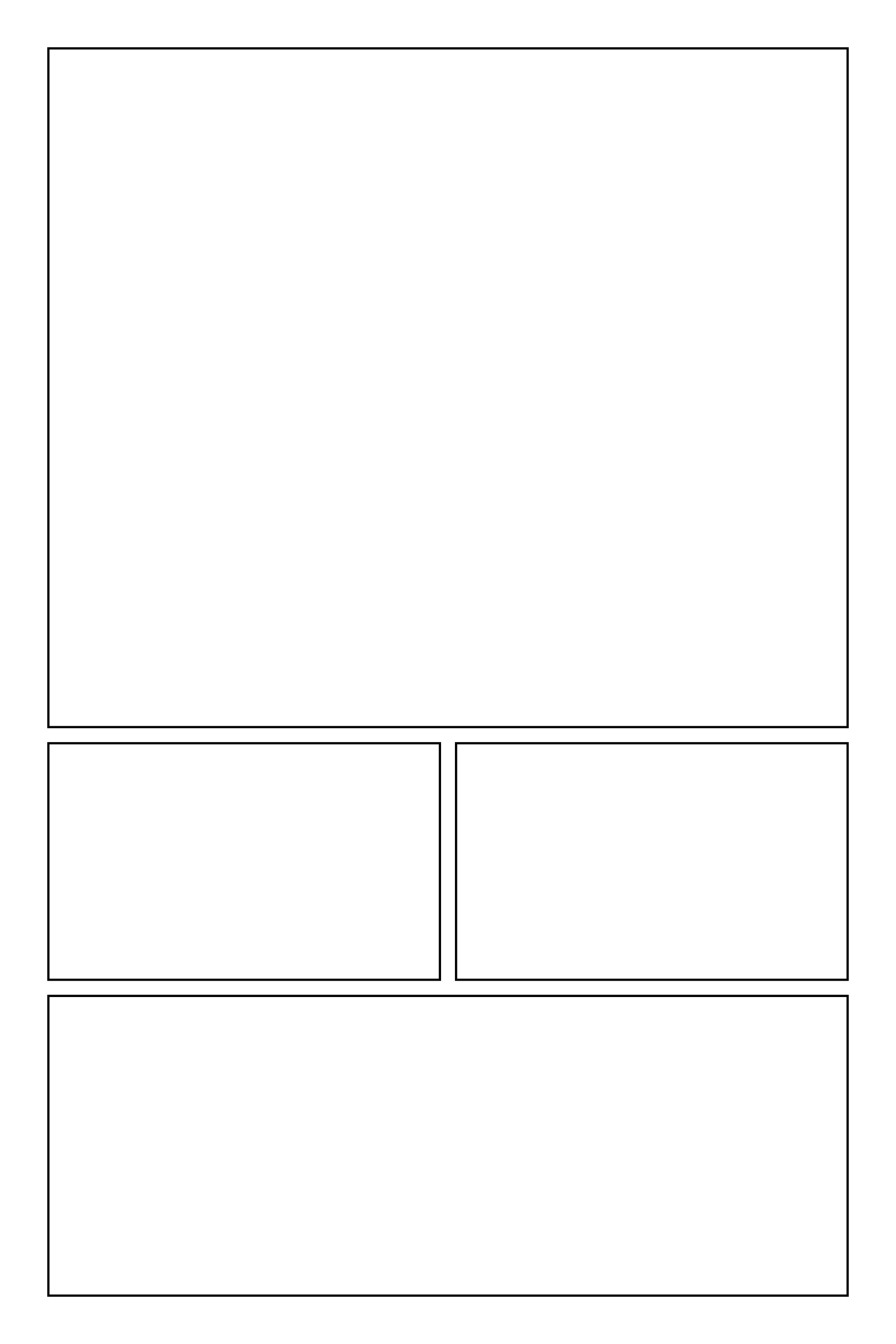
A tall opening panel, two small panels, then a wide finish.
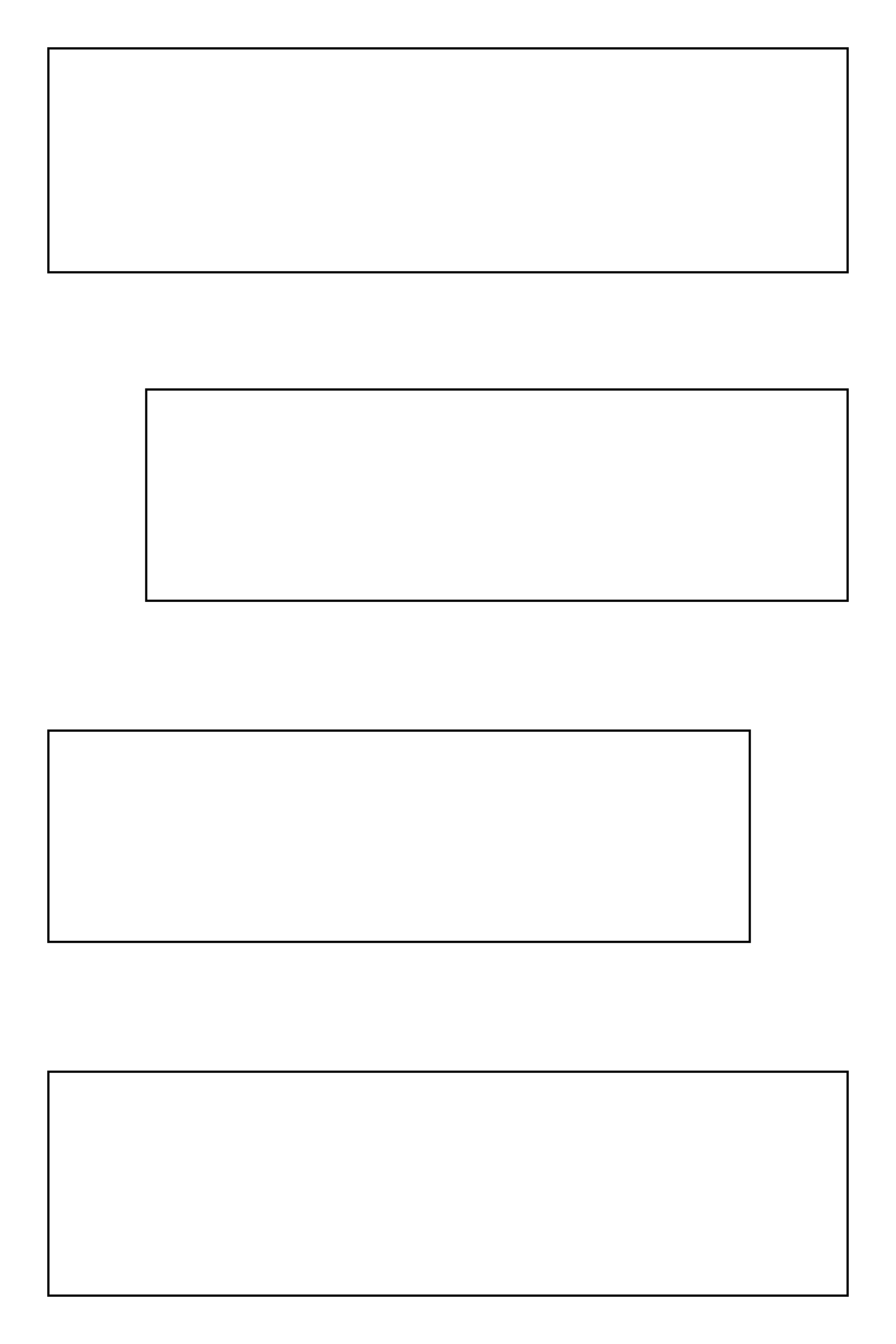
Four offset panels with space between them, made for vertical scroll webtoons.
Yes. All 23 templates are free for personal and commercial comics, with no attribution required. Please don't resell or redistribute the template files themselves.
Each layout comes as a transparent PNG at comic page size (1800 by 2700 pixels) and B4 manga size (2953 by 4169 pixels at 300 PPI), plus an SVG you can edit in any vector app. There are also printable PDFs with all 23 layouts in A4 and US Letter.
Import the PNG as a new layer on top of your canvas, then lock that layer so you don't paint on it. Draw on layers underneath, and the panel borders stay crisp on top. For print, scale the B4 version to your page.
The page margin is 4.5% of the page's shorter side, the gutter between panels is 1.8% of the shorter side, and the borders are 0.25% thick. Diagonal gutters are the same width as straight ones.
Yes. Edit the SVG in a vector app, or erase and redraw borders on the PNG. In Paintrix Studio the borders sit on their own locked layer, so you can unlock it and edit them directly.
Yes. All 23 layouts are built into Paintrix Studio's Manga / Comic canvas, with 7 page sizes including B4 manga, double-page spreads, comic strips and vertical scroll webtoons, plus a mirror option. It is free on iPad and iPhone.
Templates by Paintrix Studio. Free for personal and commercial comics, no attribution required. Please don't resell or redistribute the template files themselves.